Crzou Play: Instructions
- Windows
- Mac
- iOS
- Android
To download, install, and launch Crzou Play for Windows, follow these steps:
- Open your browser and go to the Crzou Play download page.
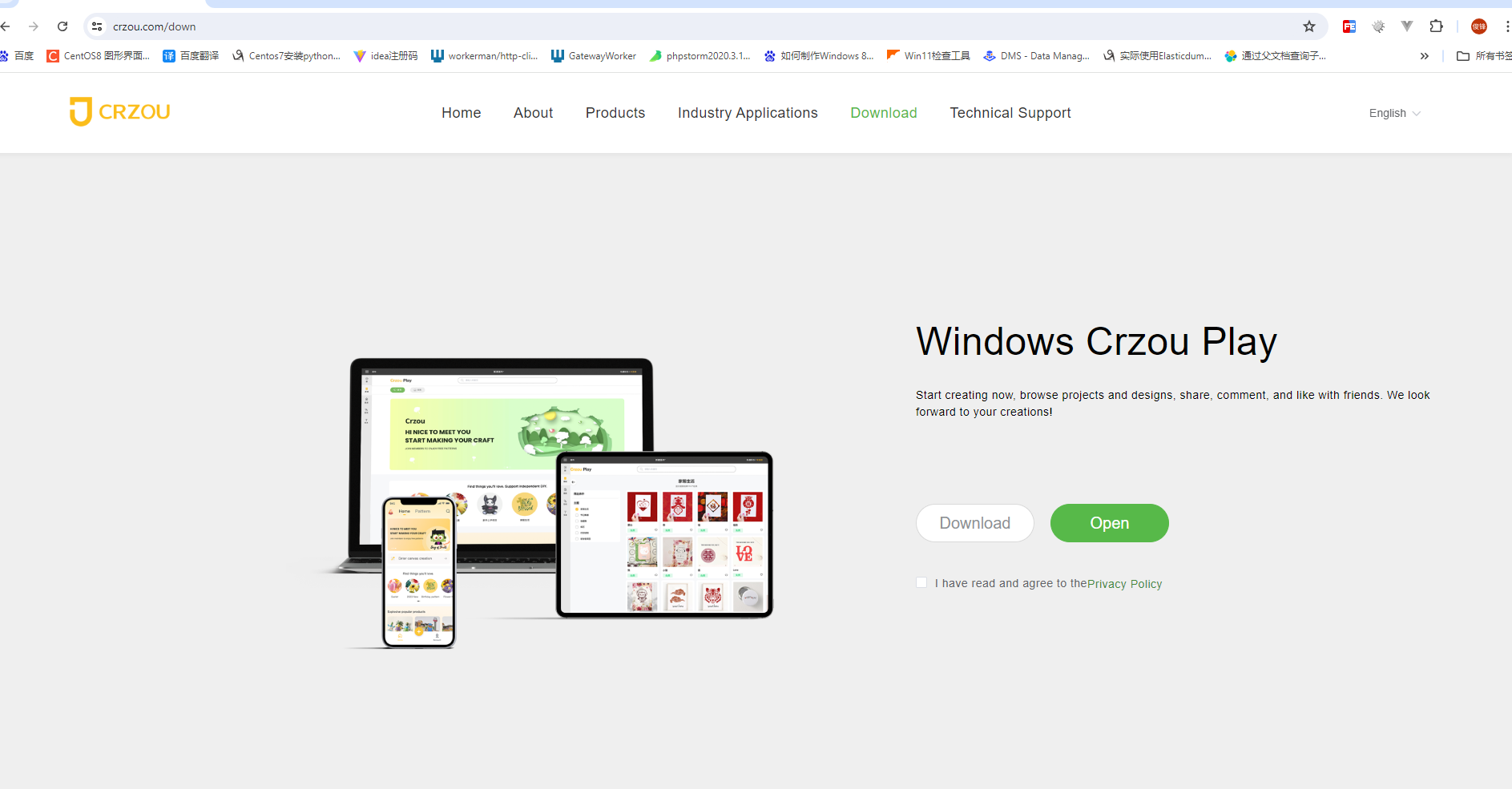
- Check the box to agree to the Crzou Play Privacy Policy, then select "Download". The download interface may vary; the example below shows the Google Chrome interface.
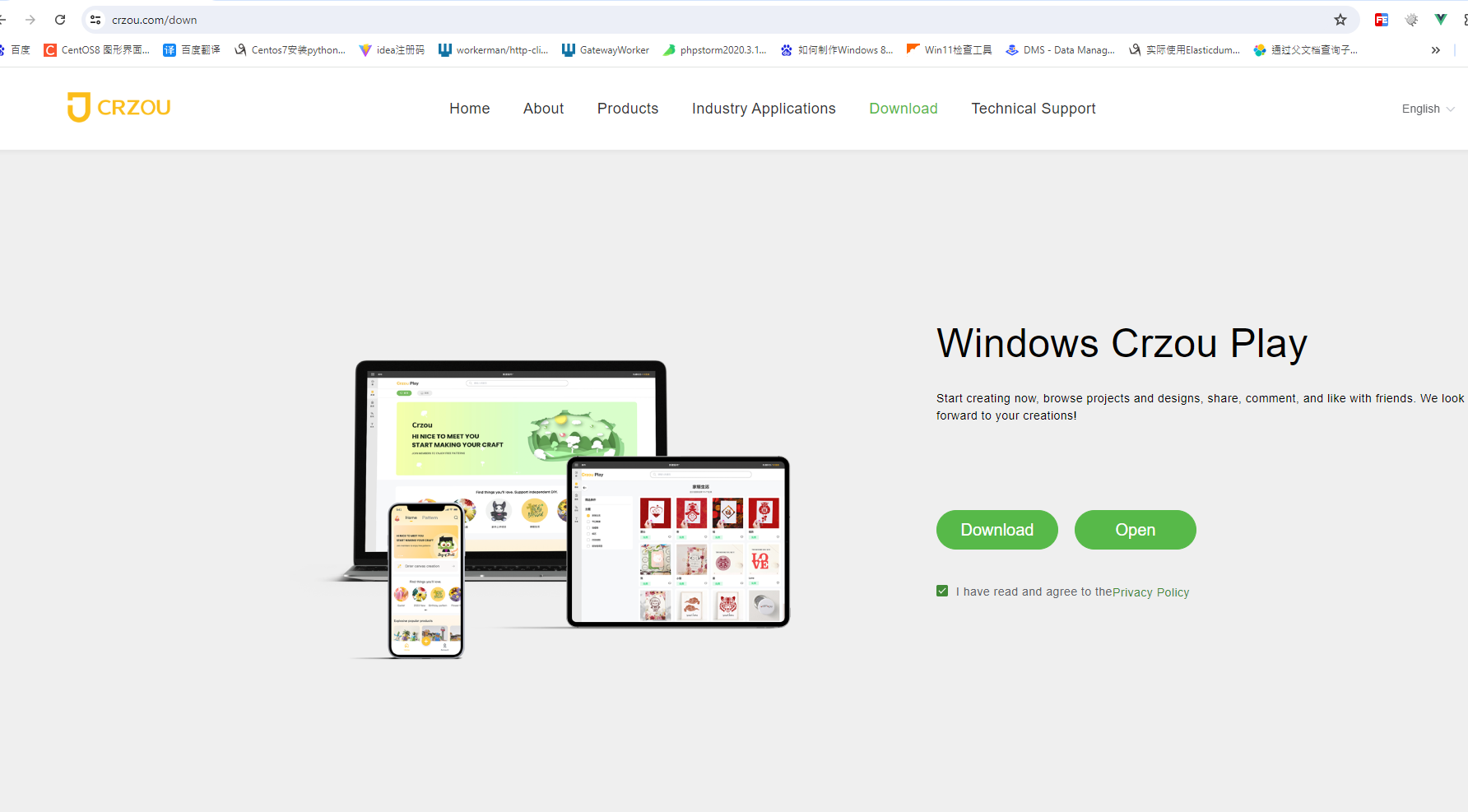
- Once the download is complete, click to install Crzou Play.
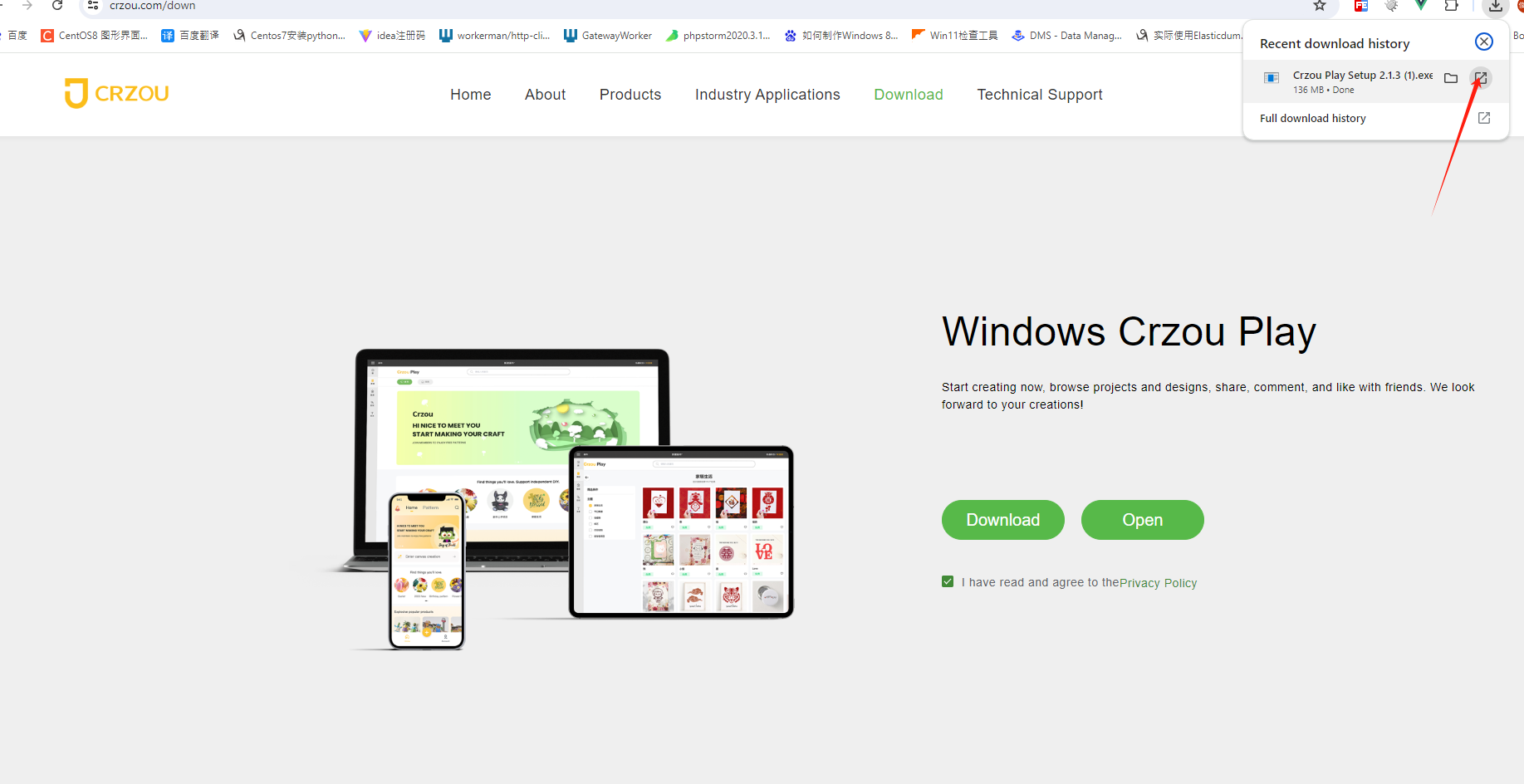
-
If prompted during installation to trust the application, select the option to trust the application.
-
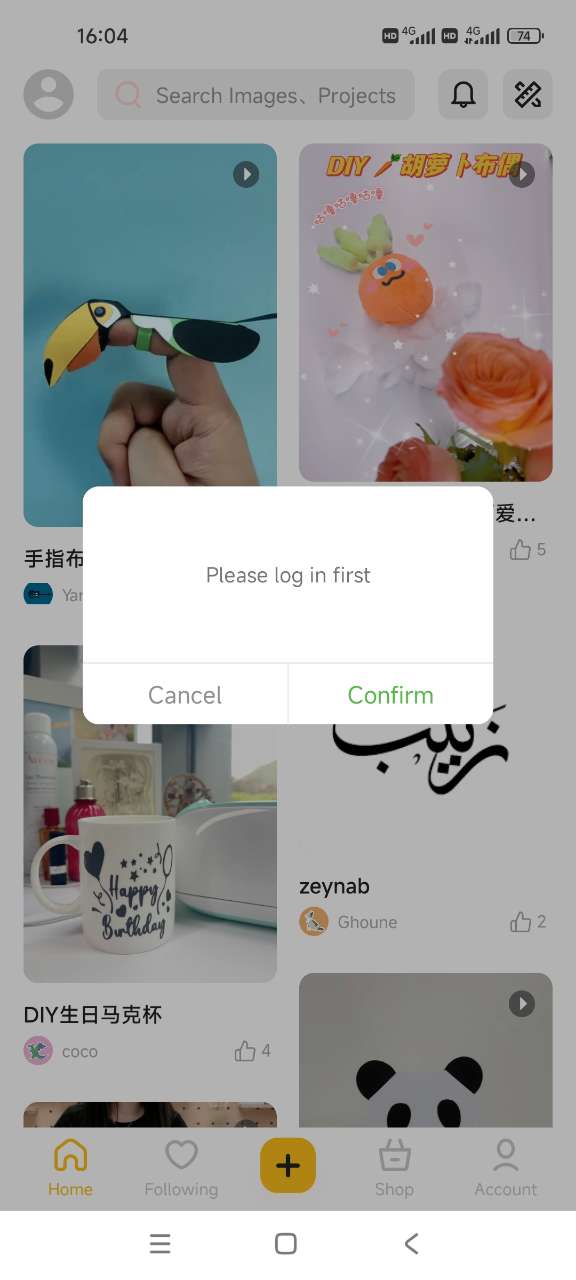
Open Crzou Play and register or log in using your Crzou Play ID and password
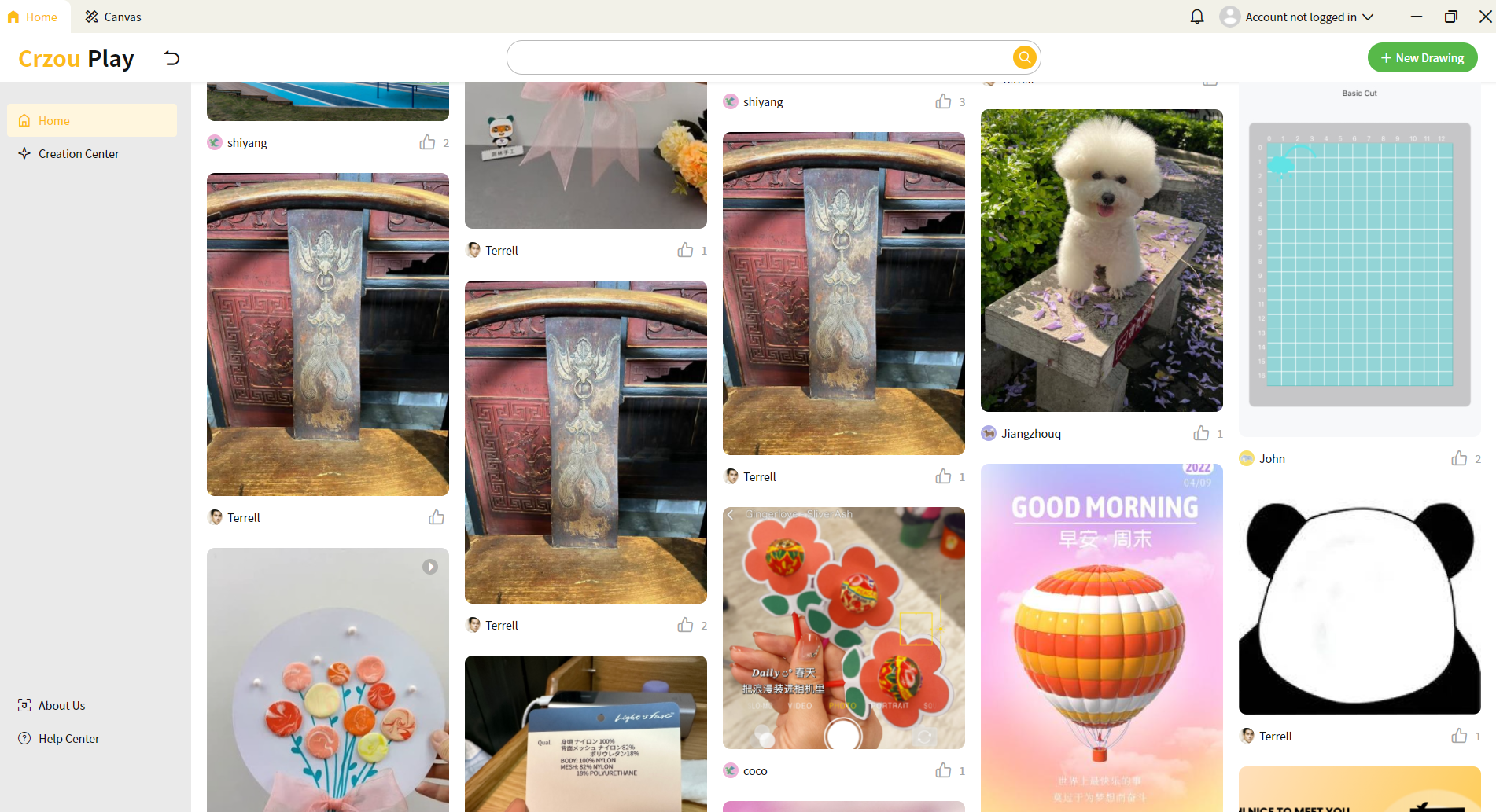
- The Crzou Play icon for Windows will automatically be added to your desktop. Click the icon to launch the software.
Notes:
The App will remember your login information and default to the previous login information each time it is launched.
The App will not automatically save it. When exiting the application, please save the design document before the design process.
To download, install, and launch Crzou Play for Mac, follow these steps:
- Open your browser and go to the Crzou Play download page.
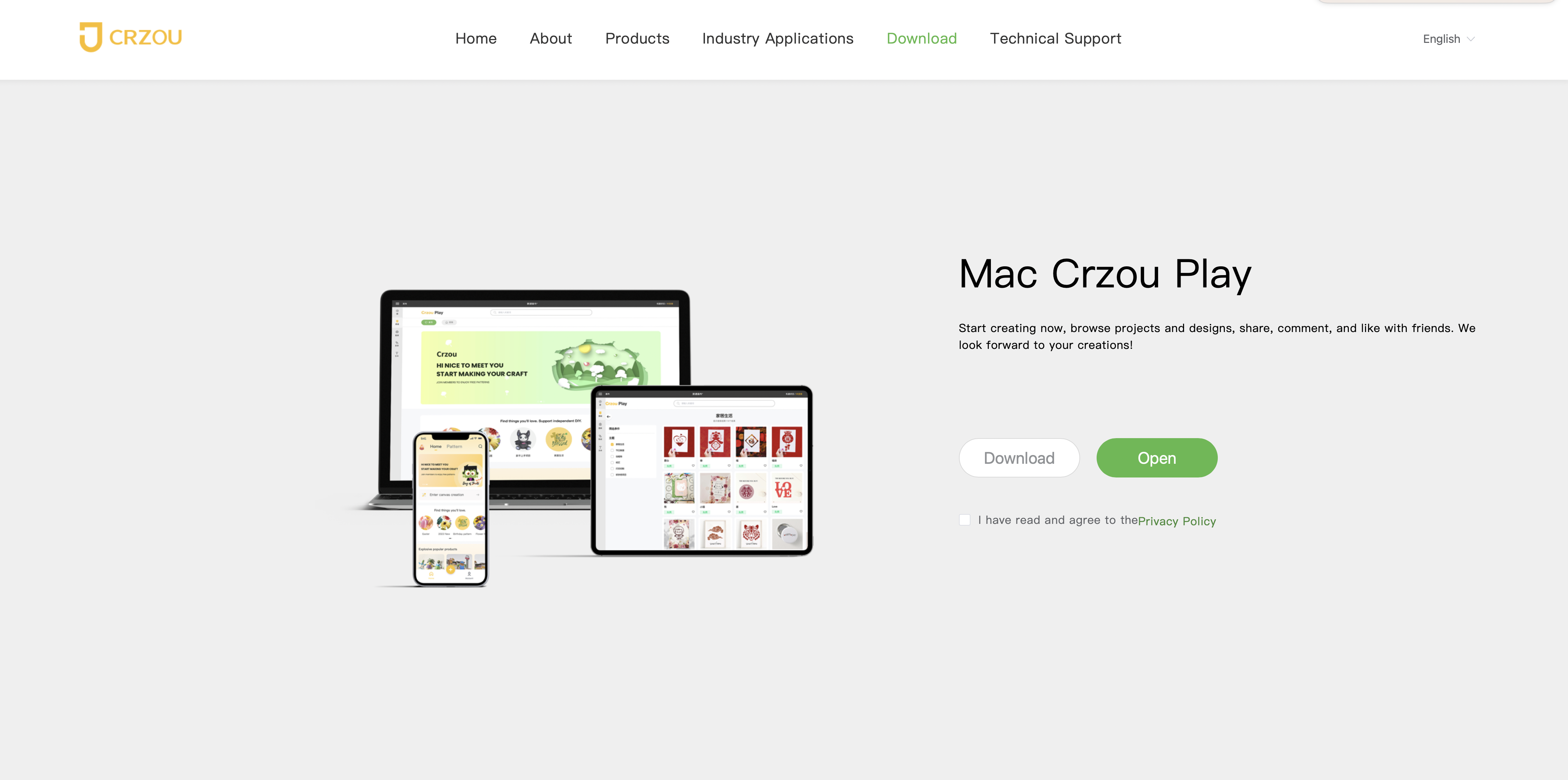
- The system will display a file name in the upper right corner. Click the file name and follow the prompts to download the file.
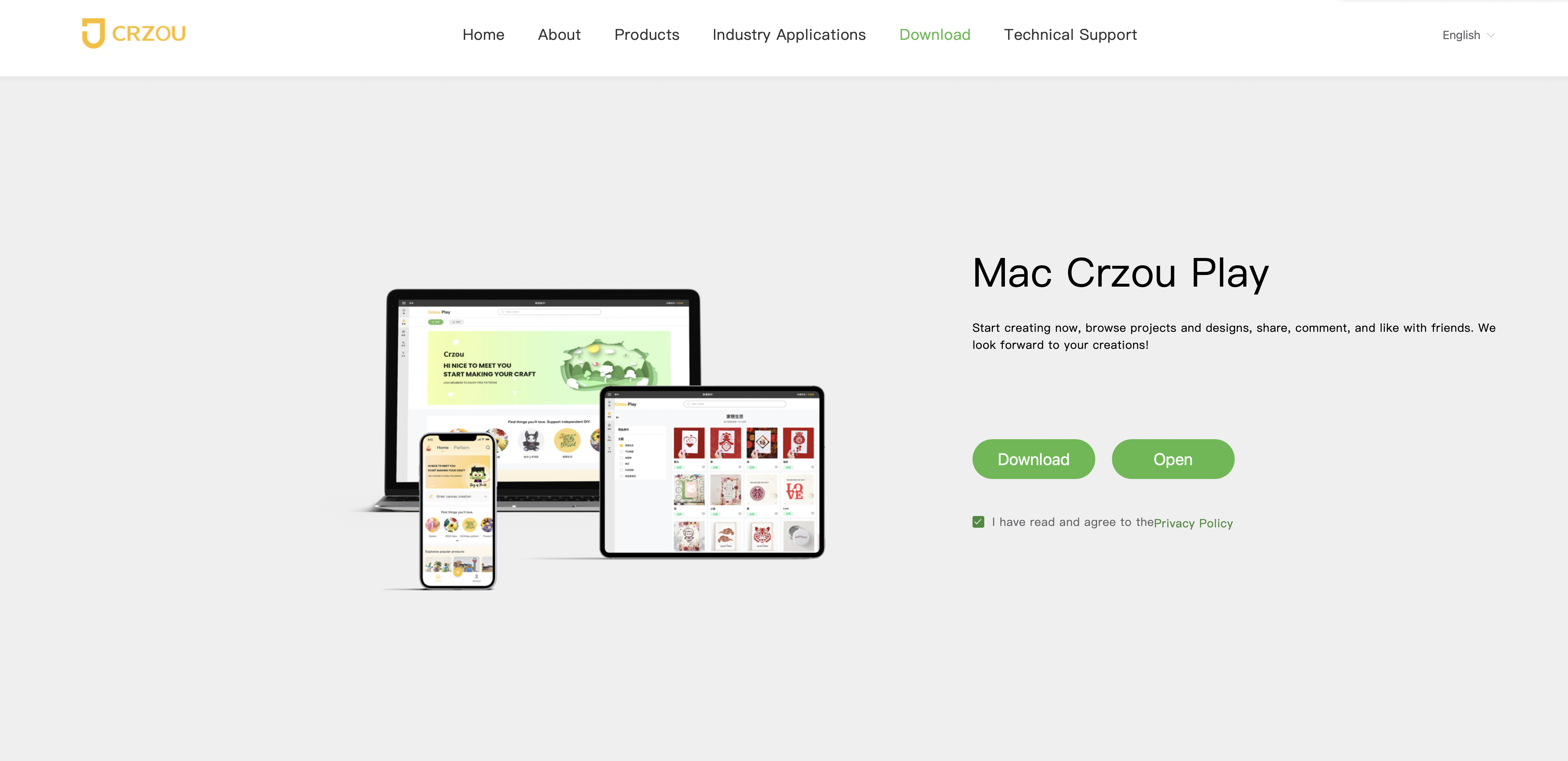
- Follow the system prompts to drag the file to the indicated folder.

- Follow the system prompts to click "Open" to launch the app.
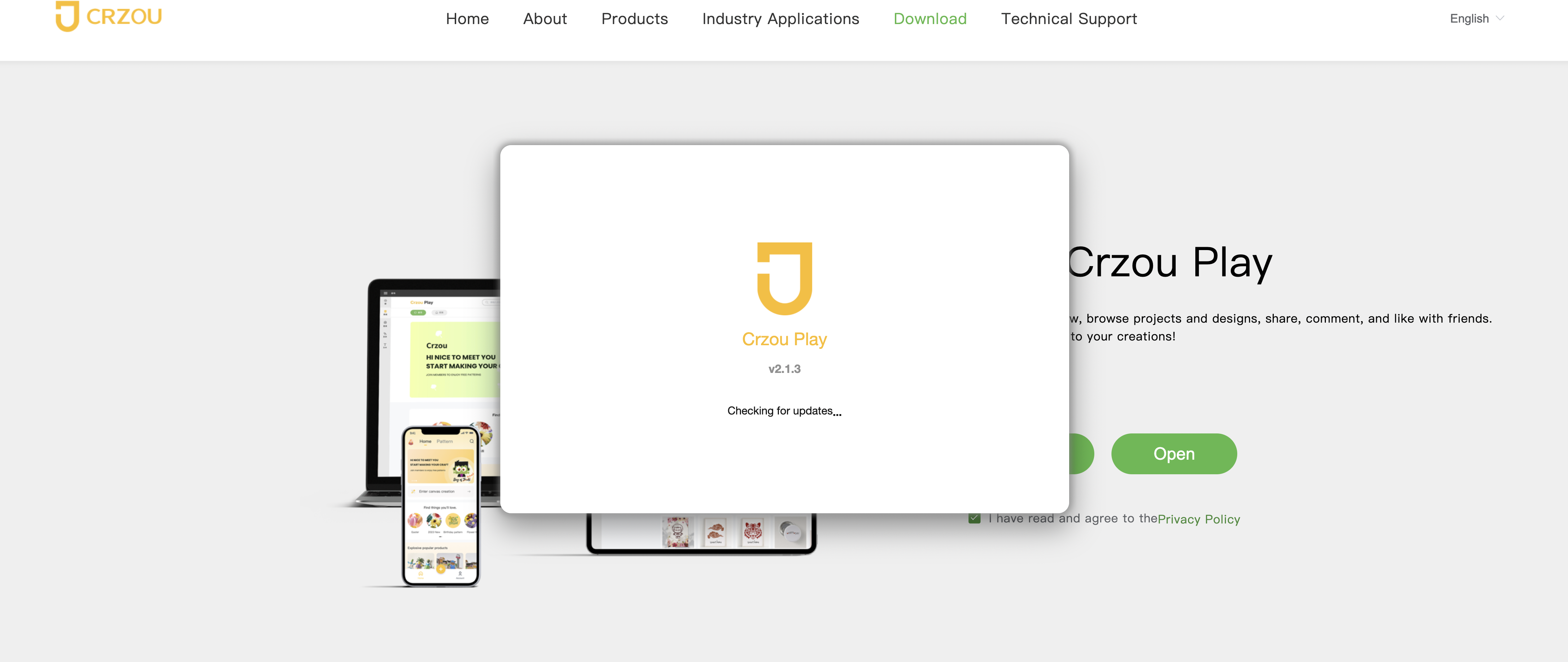
- Register or log in using your Crzou Play ID and password.

To download, install, and launch Crzou Play for iOS, follow these steps :
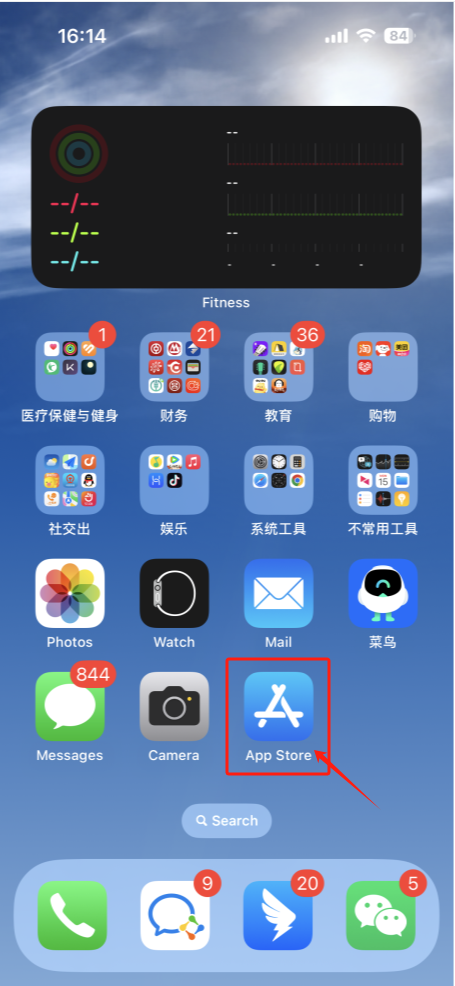
- On the iOS interface, select the App Store to open it.
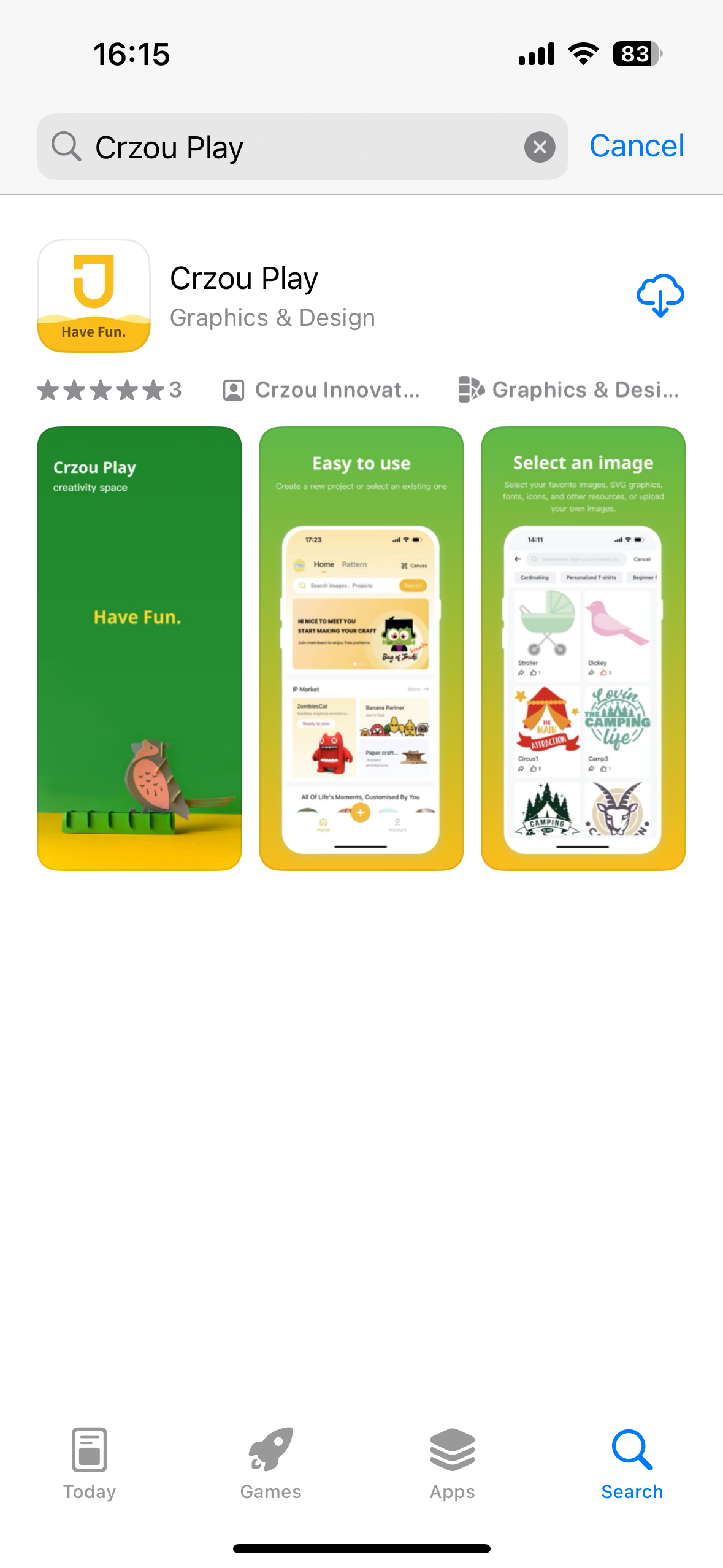
- Search for "Crzou Play" in the App Store and follow the prompts to download the app.
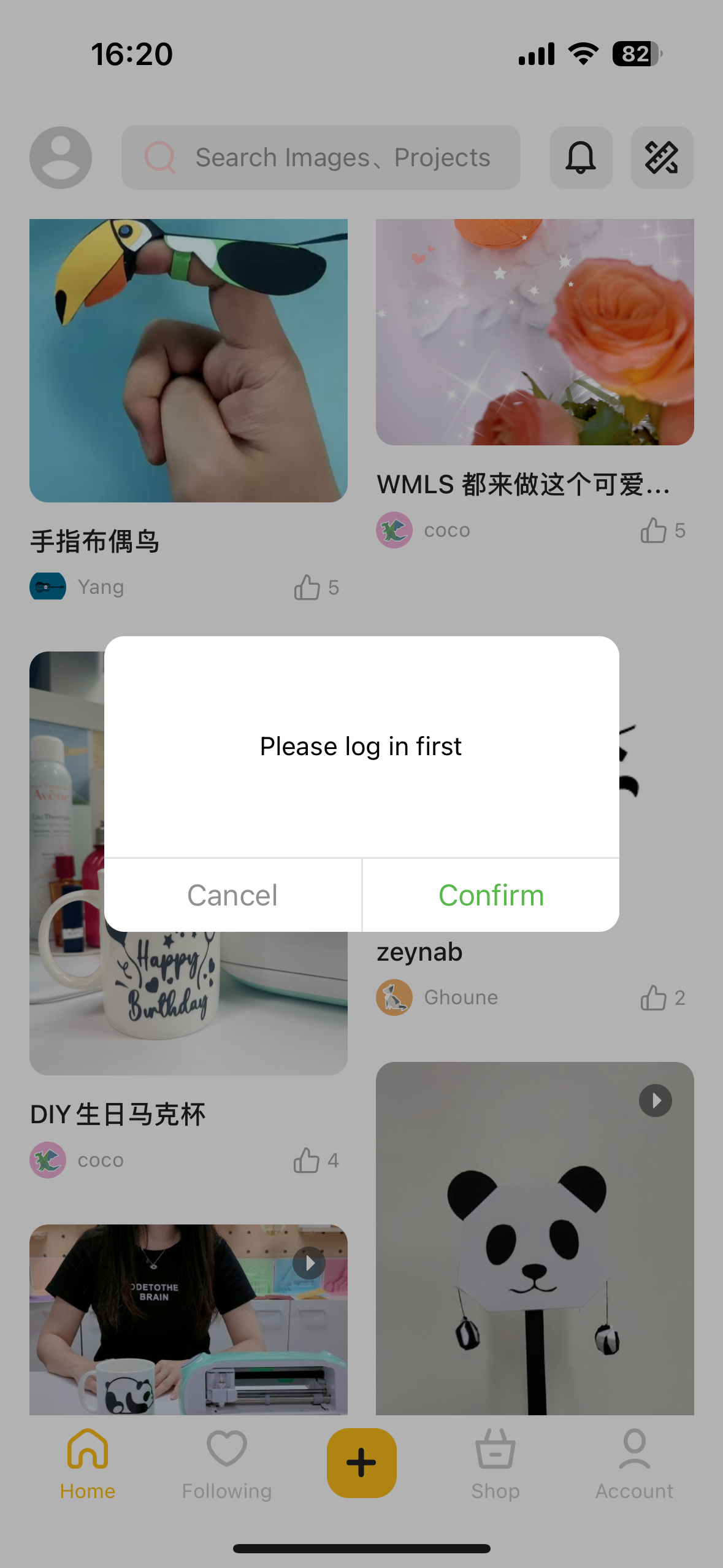
- Once the download is complete, click the app to enter the main interface. Click the icon in the upper left corner to register or log in.
To download, install, and launch Crzou Play for Android, follow these steps:
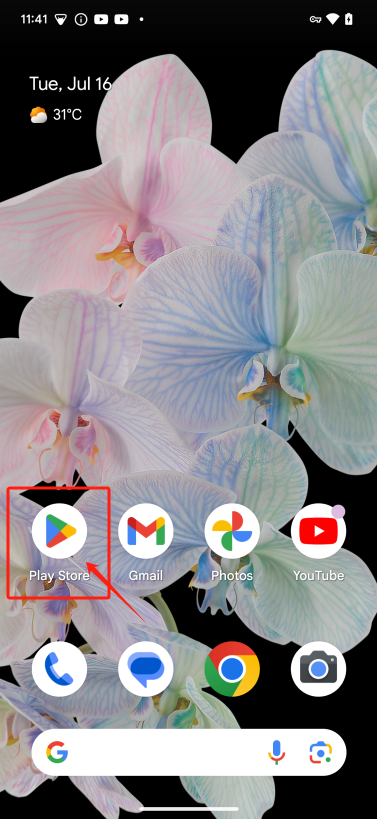
- Find and click the Google Play Store icon on your phone. If this is your first time using it, you may need to log in to your Google account first.
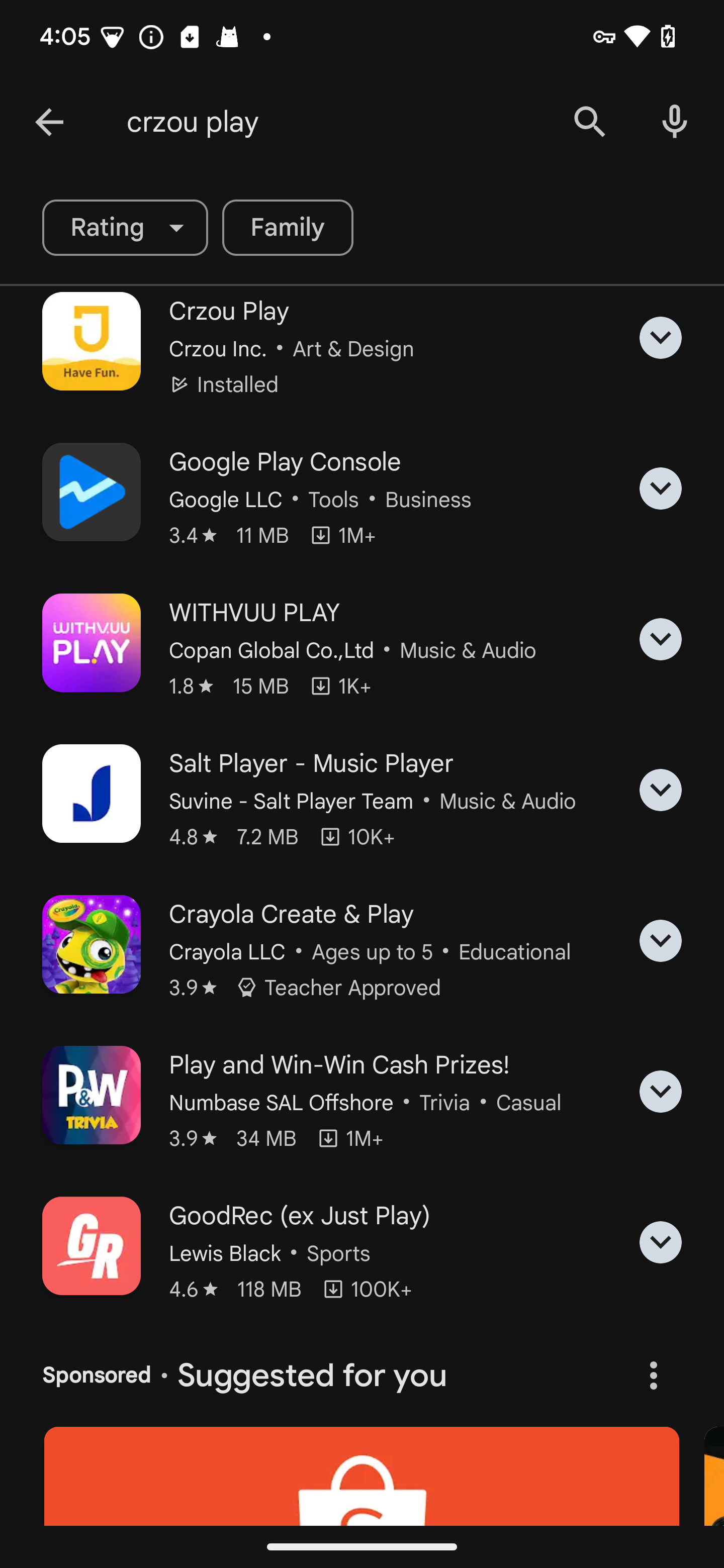
- At the top of the store, there is a search bar. Click and type Crzou Play, then click the search icon (usually a magnifying glass).
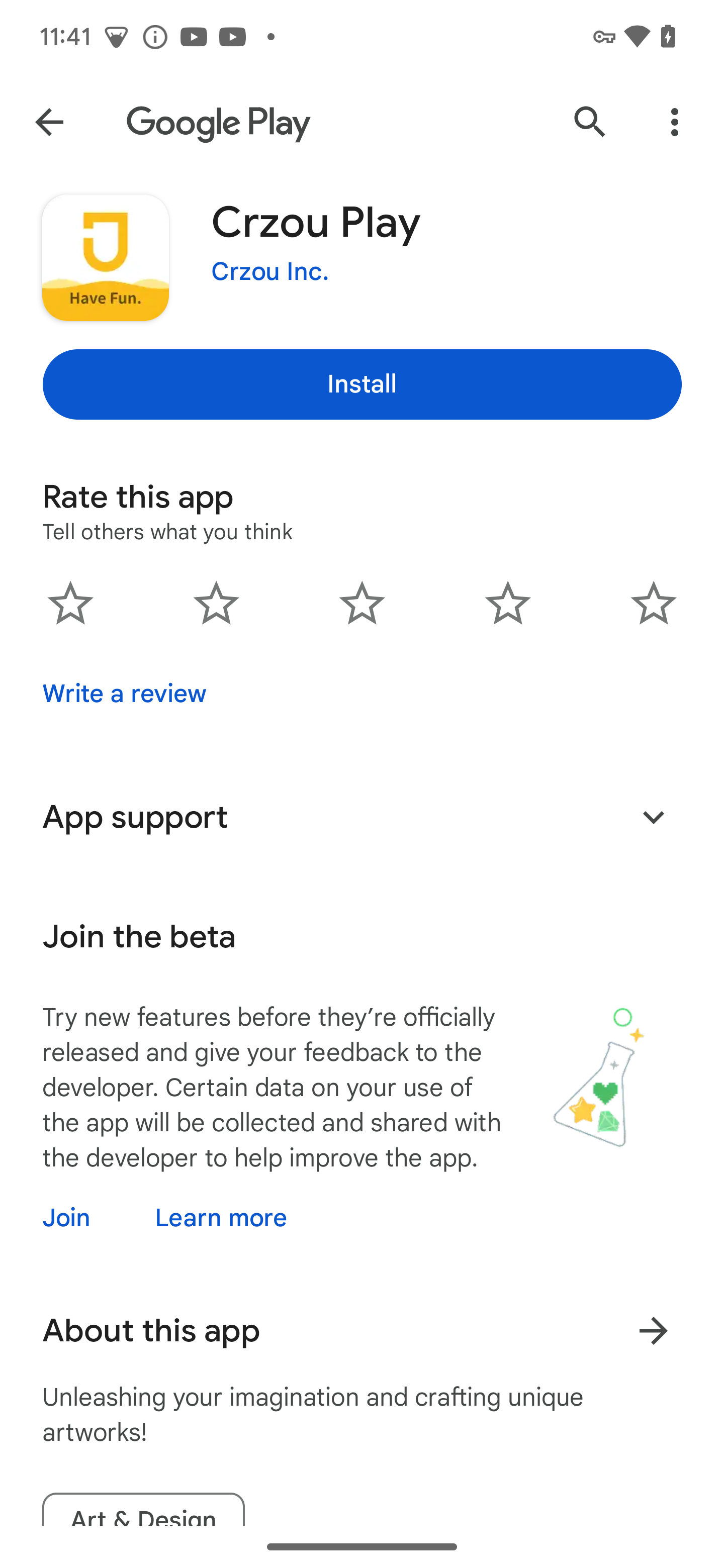
- Click the "Install" button. At this point, the system may display a list of permissions that require access, and you can click "Accept" or "Allow" to continue.
-
The download and installation process may take from a few seconds to a few minutes, depending on the size of the application and your network speed.
-
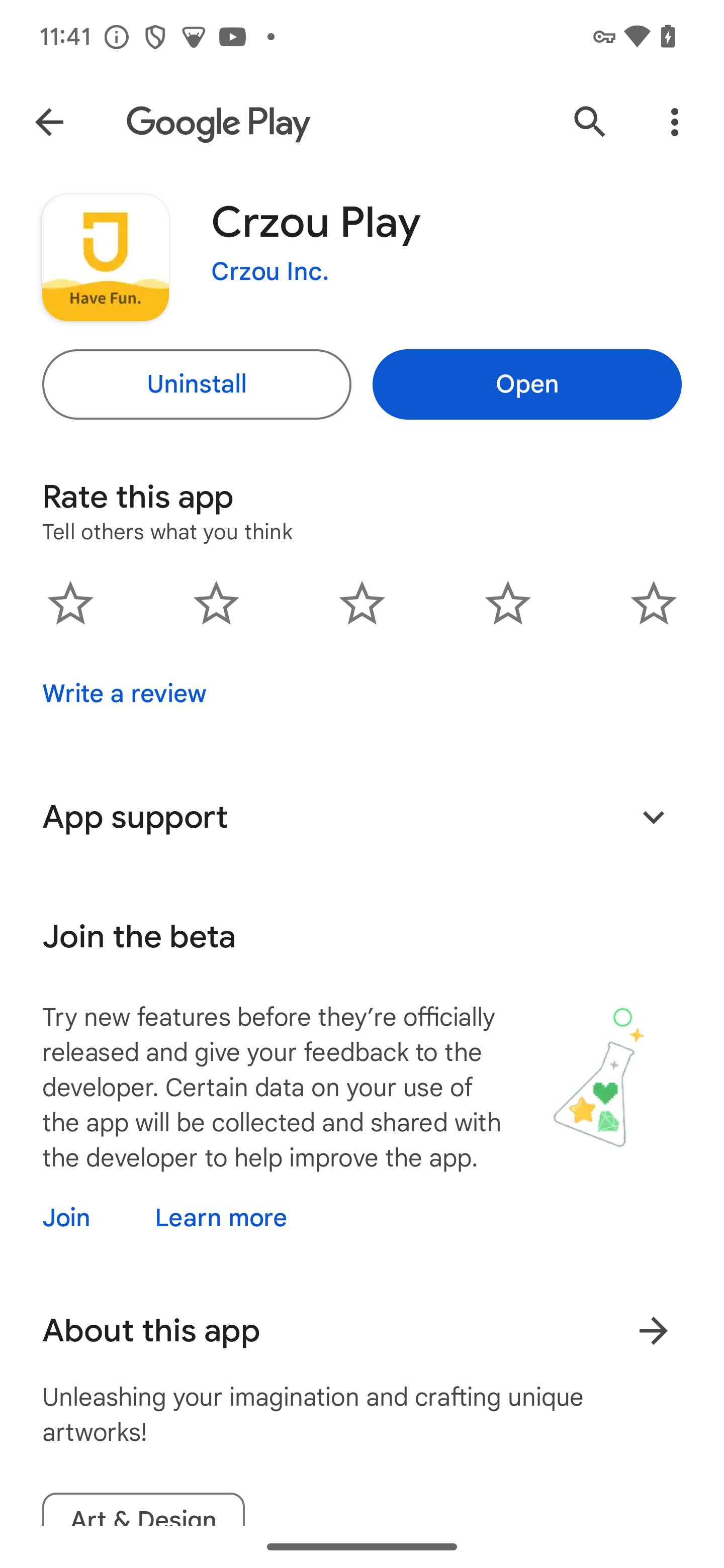
After the download and installation is completed, you can click the "Open" button to start Crzou Play directly, or return to the home screen to find the newly installed Crzou Play icon to start.
- Click the icon in the upper left corner to register or log in.